View Help Information of Steps
This section introduces how to view a step’s help information.
View Step Description
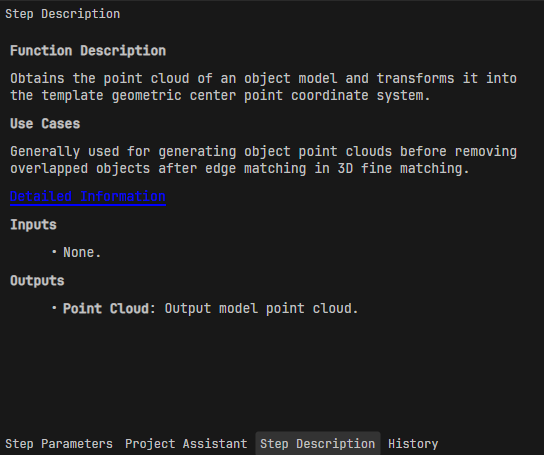
After selecting a step, click the Step Description tab in the project configuration pane to view the detailed step description, including the step’s functional description, use cases, and input/output ports.
View Step Parameter Tooltips
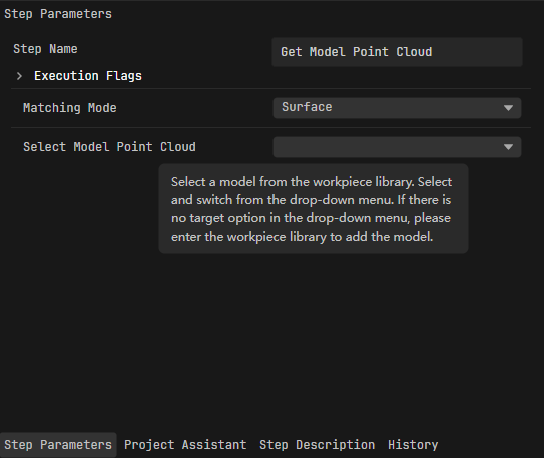
After selecting a step, click the Step Parameters tab in the project configuration pane and hover the mouse over the corresponding parameter to see its tooltip.