Image Morphological Transformation
Function Description
This step can process images using morphological operations.
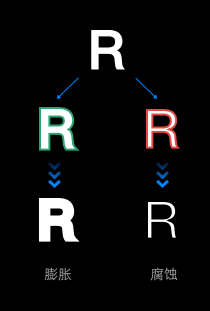
Use Cases
This step is typically used during image preprocessing. Depending on the task, operations such as dilation, erosion, opening, and closing can be used for denoising, gap filling, and shape cleanup.
Inputs and Outputs
Input (Original Image): Image to undergo morphological processing. Supports depth images, color images, and mask images, specified by the parameter “Set Input Image Type”.
Output (Processed Image): Image after morphological processing.
Parameters
Morphological Operation Type
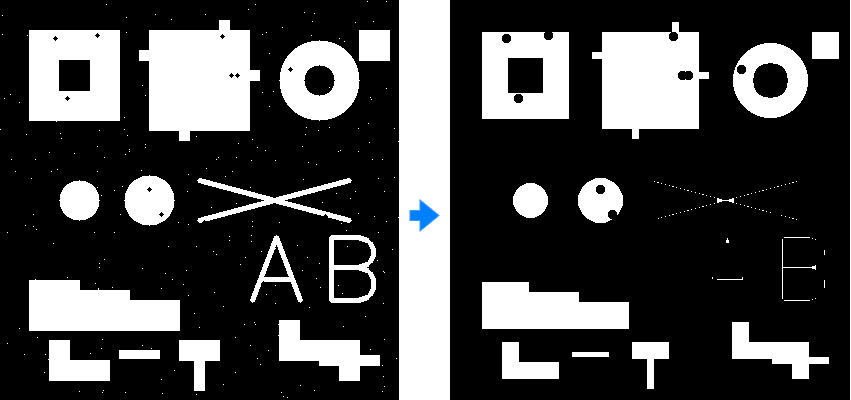
MORPH_ERODE
Name: Erode
Description: Shrinks bright regions, expands dark regions
Function: Eliminates small noise points, separates connected objects, smooths object boundaries, reduces target size
Application: Removes salt-and-pepper noise, image break fine connections, target size precision, preprocessing step
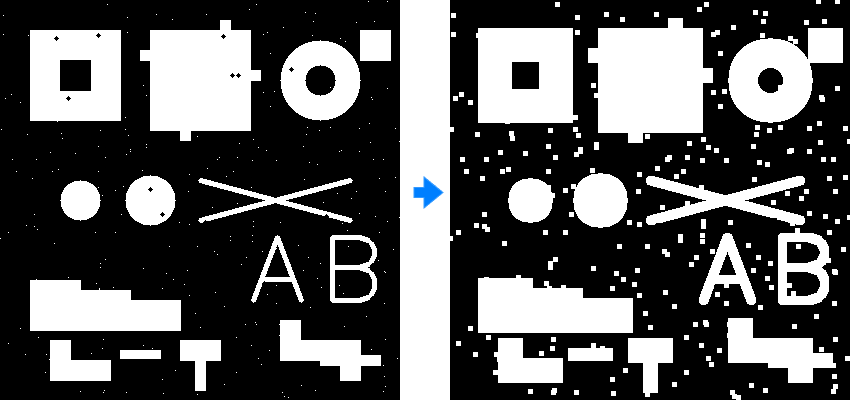
MORPH_DILATE
Name: Dilate
Description: Expands bright regions, shrinks dark regions
Function: Fills internal holes, connects adjacent objects, expands target size, repairs broken parts
Application: Fills text stroke breaks, connects segmented cells, expands target area, post-processing step
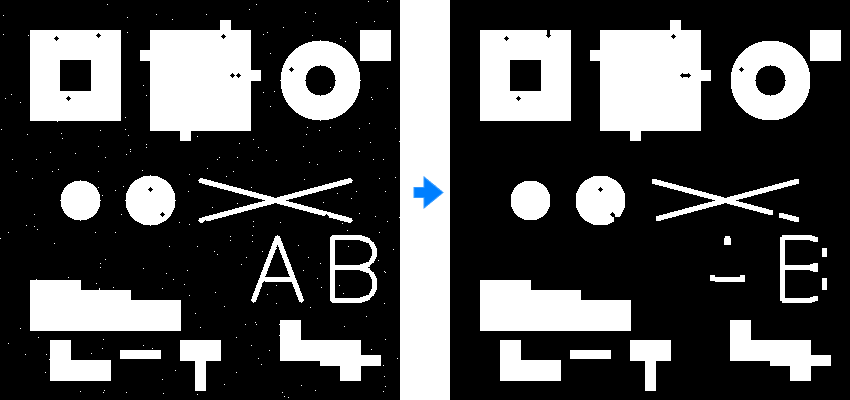
MORPH_OPEN
Name: Open Operation
Description: Erosion followed by dilation
Function: Removes small objects, smooths object contours, disconnects narrow connections, maintains large target shape
Application: Removes small noise points, separates slightly adhered objects, smooths edge burrs, text image denoising
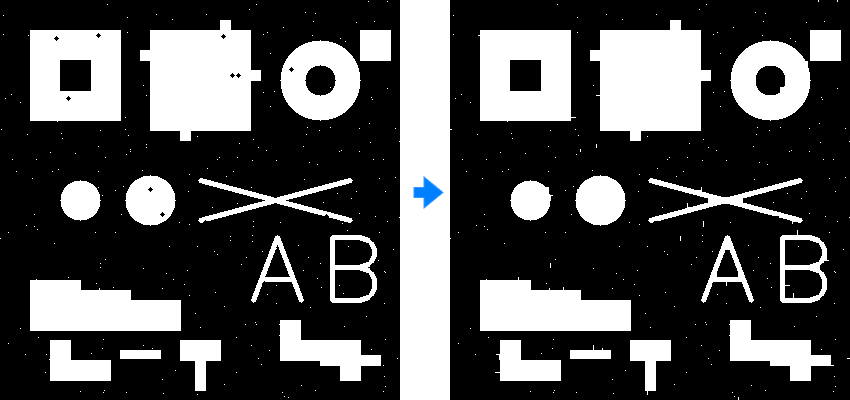
MORPH_CLOSE
Name: Close Operation
Description: Dilation followed by erosion
Function: Fills small holes, connects neighboring objects, smooths contour gaps, fuses narrow breaks
Application: Fills target internal holes, connects broken strokes, closes contour gaps, medical image repair
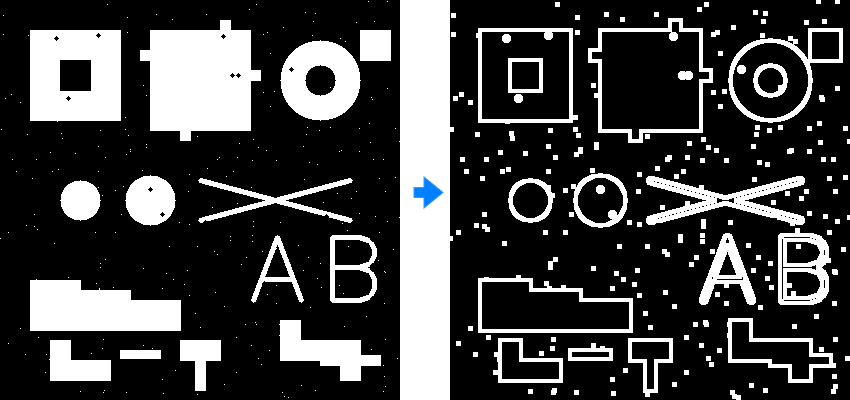
MORPH_GRADIENT
Name: Gradient
Description: Dilation image minus erosion image
Function: Extracts object boundaries, edge detection, contour enhancement, thickness measurement
Application: Target contour extraction, alternative edge detection, industrial part dimension measurement, shape analysis preprocessing
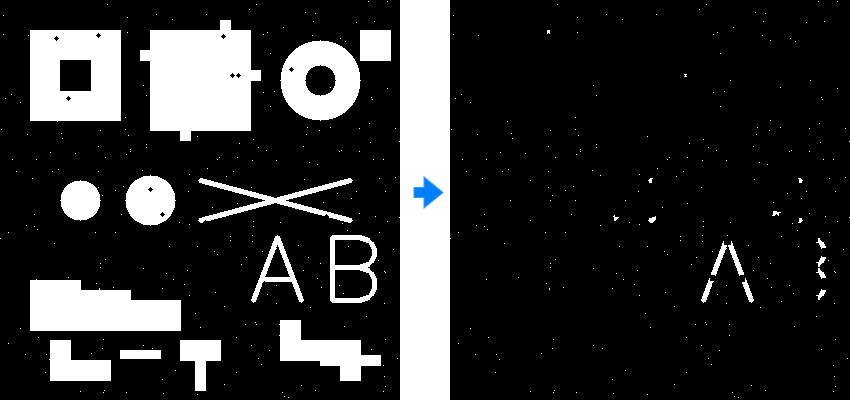
MORPH_TOPHAT
Name: Top Hat
Description: Original image minus opening operation
Function: Extracts bright small features, background correction, enhances small bright targets, uneven illumination processing
Application: Microscopic image small cell extraction, industrial inspection bright defect recognition, text image stroke enhancement, uneven illumination correction
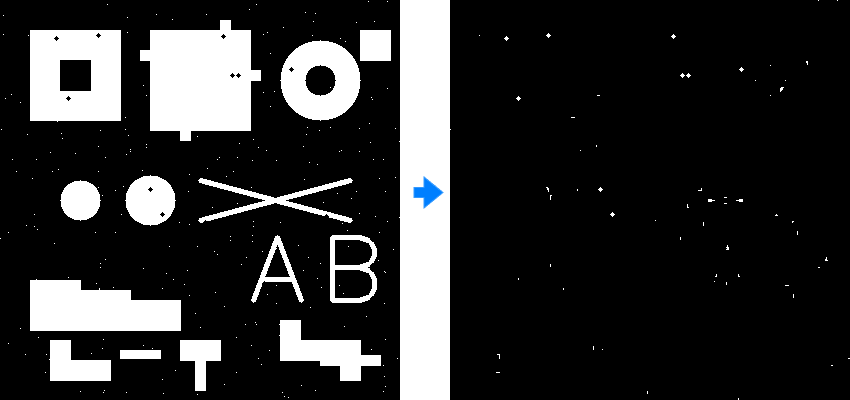
MORPH_BLACKHAT
Name: Black Hat
Description: Closing operation minus original image
Function: Extracts dark small features, detects holes and depressions, enhances small dark targets, shadow region analysis
Application: Industrial part surface defect detection, medical image blood vessel extraction, dark scratch and crack recognition, dark spot detection
Set Input Image Type
Select the type of input image, which determines which type of image the morphological operation acts on.
RGBImage: Performs morphological processing on color images, commonly used for removing small objects in color images, smoothing boundaries, etc.
DepthImage: Performs morphological processing on depth images, commonly used for removing noise in depth images, filling missing areas, etc.
MaskImage: Performs morphological processing on mask images, commonly used for correcting segmentation results, connecting broken areas, etc.
Operation Kernel Size
The size of the operation kernel, in pixels (Pixel).
Adjustment note: Set according to detection requirements. When the operation kernel is larger, the dilation-erosion effect is stronger.
Operation Kernel Shape
Select the shape of the operation kernel.
MORPH_RECT: Rectangle.
MORPH_CROSS: Cross.
MORPH_ELLIPSE: Ellipse.
Adjustment note: It is recommended to select the default value. If there are special circumstances, set according to actual requirements.