About Target Object Editor
The Target Object Editor integrates features for configuring target objects, including generating and editing the point cloud models, setting pick points,and other related operations.
Select Configuration Workflow for Target Objects
The Target Object Editor currently supports the following workflows for target object configuration:
Function |
Description |
Applicable Scenarios |
|---|---|---|
Uses the camera to acquire point cloud data, generate a point cloud model, and manually set pick points. |
Suitable when the point cloud model is created directly from live camera data. |
|
Uses robot teaching to define pick points first, then acquires point cloud data with the camera to generate the point cloud model. |
Suitable when high picking accuracy is required. |
|
Imports a point cloud file to generate the point cloud model and set pick points. |
Suitable when the imported point cloud closely matches the point cloud acquired by the camera. |
Open the Target Object Editor
Click “Target Object Editor” button in the main toolbar to open the interface:

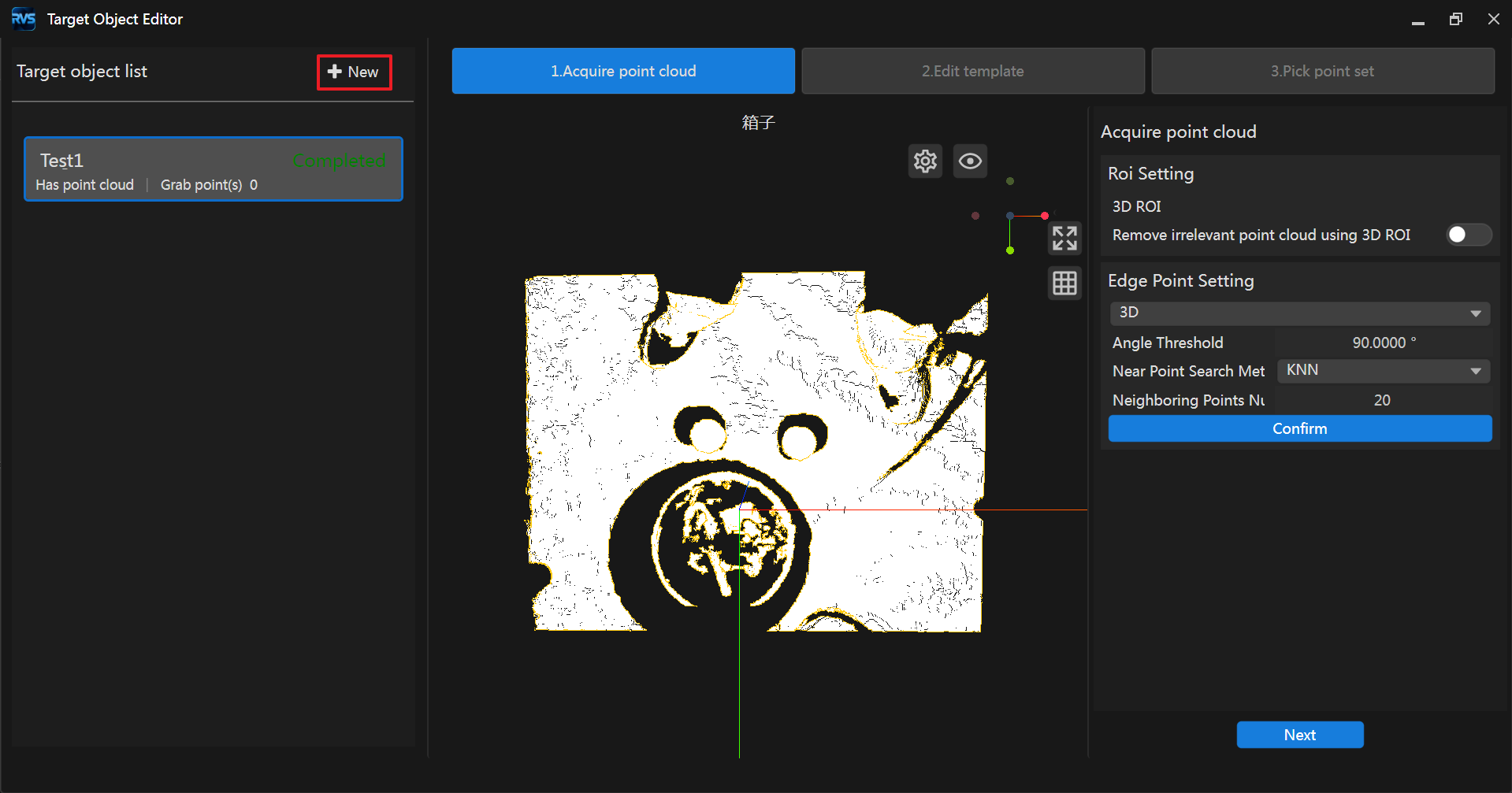
The interface appears differently depending on whether target objects already exist:
If the target object list is empty, the following interface appears, where you can choose a workflow for generating point cloud models:
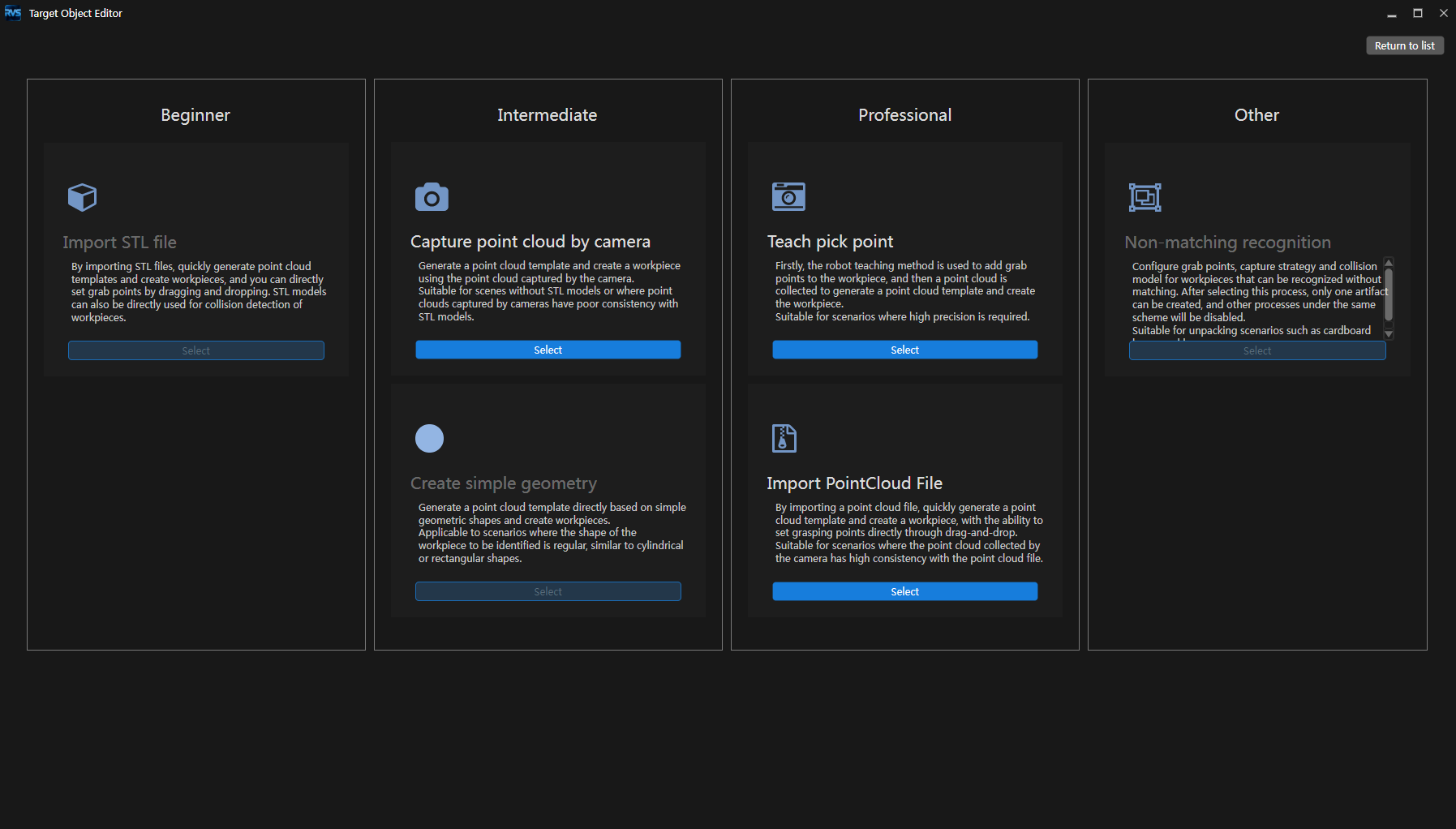
If the target object list already contains target objects, the following interface appears. Click “+New” in the left panel to open the workflow selection interface: