Set 3D ROI
Steps like Extract 3D Points in 3D ROI and Filter Poses by ROI support 3D ROI.
Prerequisite
Before opening the 3D ROI editor, specify the Reference Scene Point Cloud in the Project Assistant tab of the project configuration pane at the lower right corner of the home screen. This sets the input point cloud on which the ROI is based. For more, see Select Scene Point Cloud.
Open the Editor
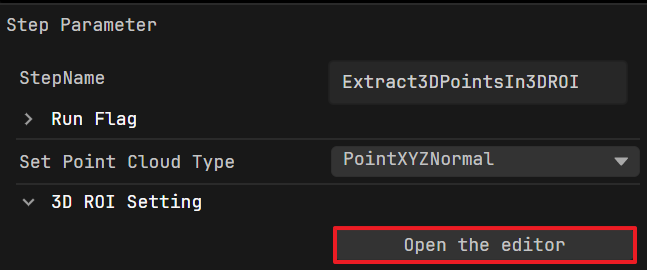
In the Step Parameters tab, click Open the editor to open the 3D ROI editor.
Adjust the ROI
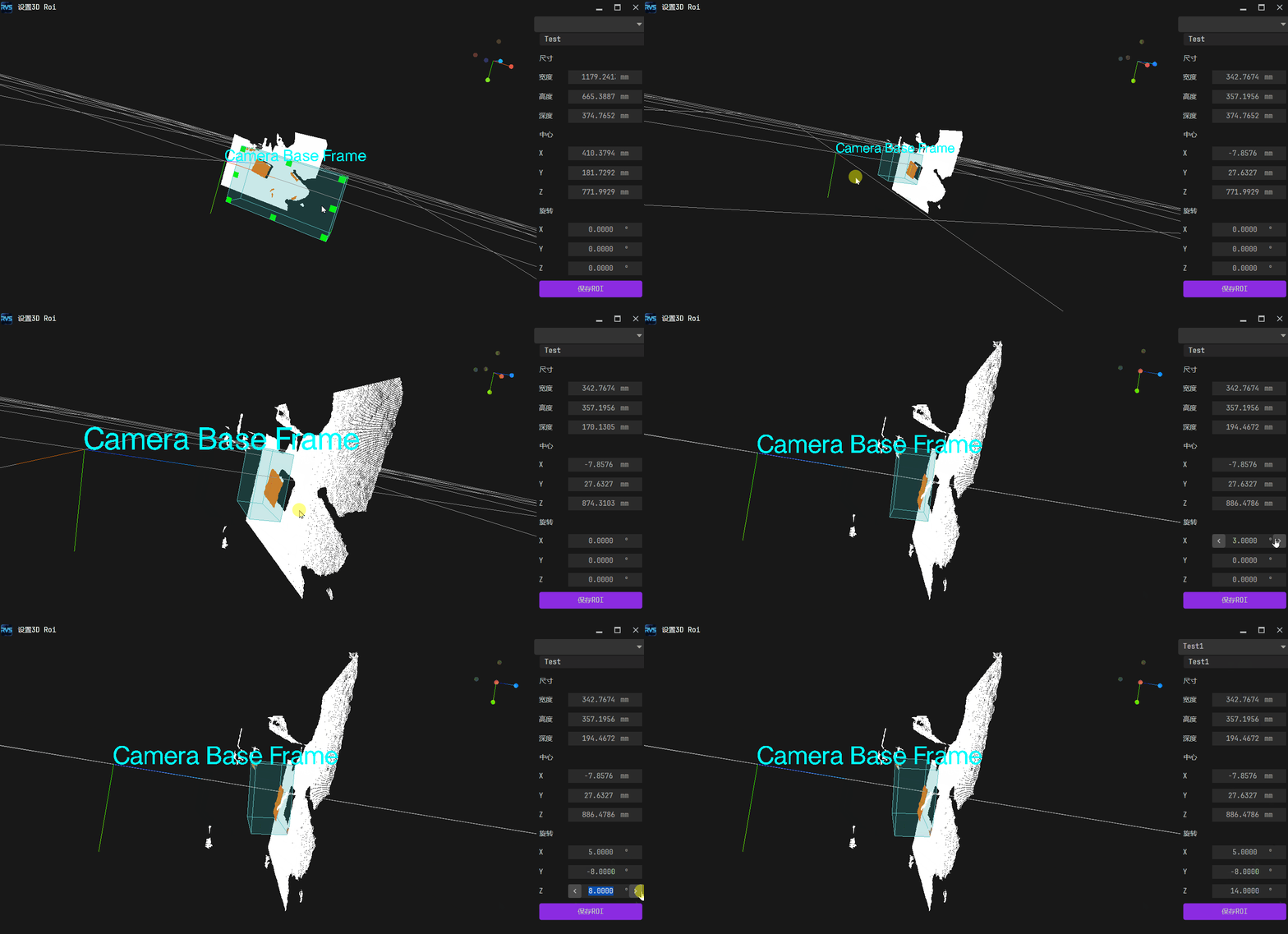
The blue semi-transparent cuboid in the point cloud view represents the 3D ROI.
You can adjust its size, position, and orientation as follows:
Adjust the ROI by Mouse and Keyboard:
Adjust the ROI size: In the point cloud display area, hold Ctrl. Green control points appear at the corners and edge centers of the 3D ROI. Keep holding Ctrl, hover over a control point, then hold the left mouse button and drag to resize the ROI.
Adjust the ROI position and orientation: Hold Ctrl + Space to display the 3D Transform Control, then adjust the position and orientation of the ROI.
Adjust the ROI by Parameters: Use Size (Width/Height/Depth), Center (X/Y/Z), and Rotation (X/Y/Z) to adjust the ROI size, position, and orientation.
To view the adjusted ROI, use the following ways:
Pan: Hover over the data area, right-click, and drag.
Zoom in/out: Scroll the mouse wheel up or down.
Rotate: Hover over the data area, left-click, and drag.
Press r or R to restore the default view.
Save ROI Configuration
After adjusting the ROI, click Save ROI. The system automatically saves the current ROI configuration to the selected 3D ROI configuration file.
To create a new 3D ROI configuration file, enter a new name in the ROI Name field. The system saves the current ROI configuration to the new file.
Switch ROI Configuration
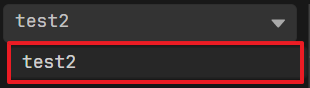
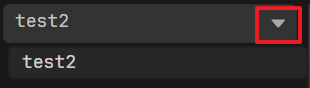
Click the dropdown arrow next to ROI Name, then select a saved 3D ROI configuration file to load and apply it.
Example