Group Steps
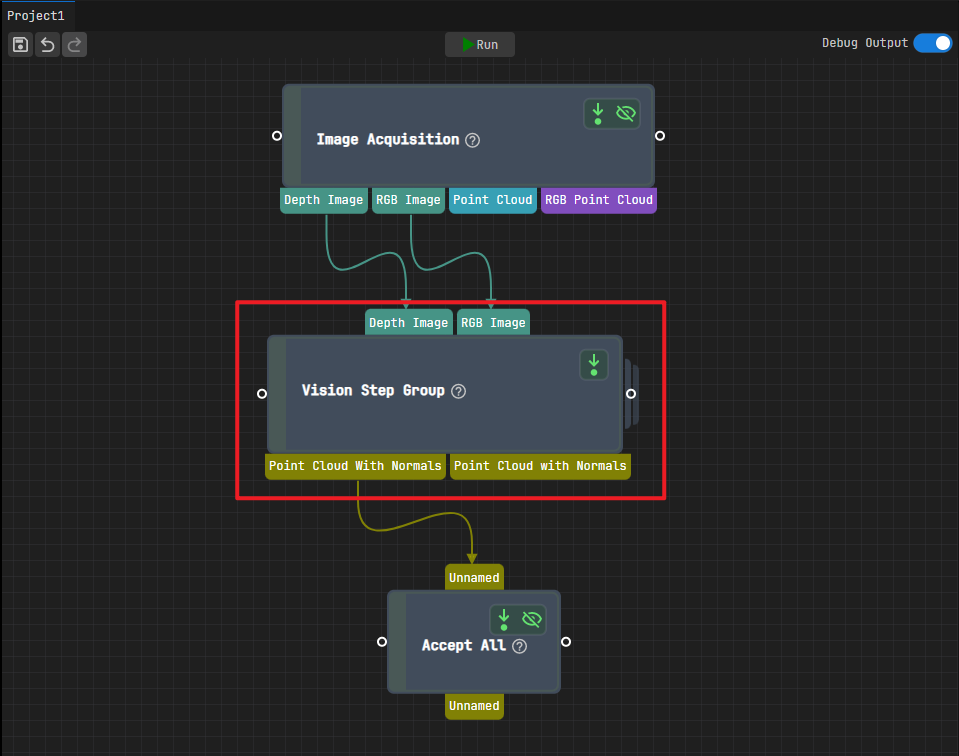
The Vision Step Group step combines multiple steps into one functional unit. It simplifies the structure of complex workflows.
To group steps, do the following:
Drag the Vision Step Group step into the project programming workspace.

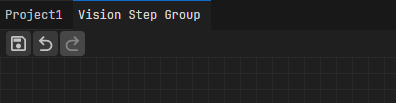
Double-click the Vision Step Group step to enter its internal programming workspace.
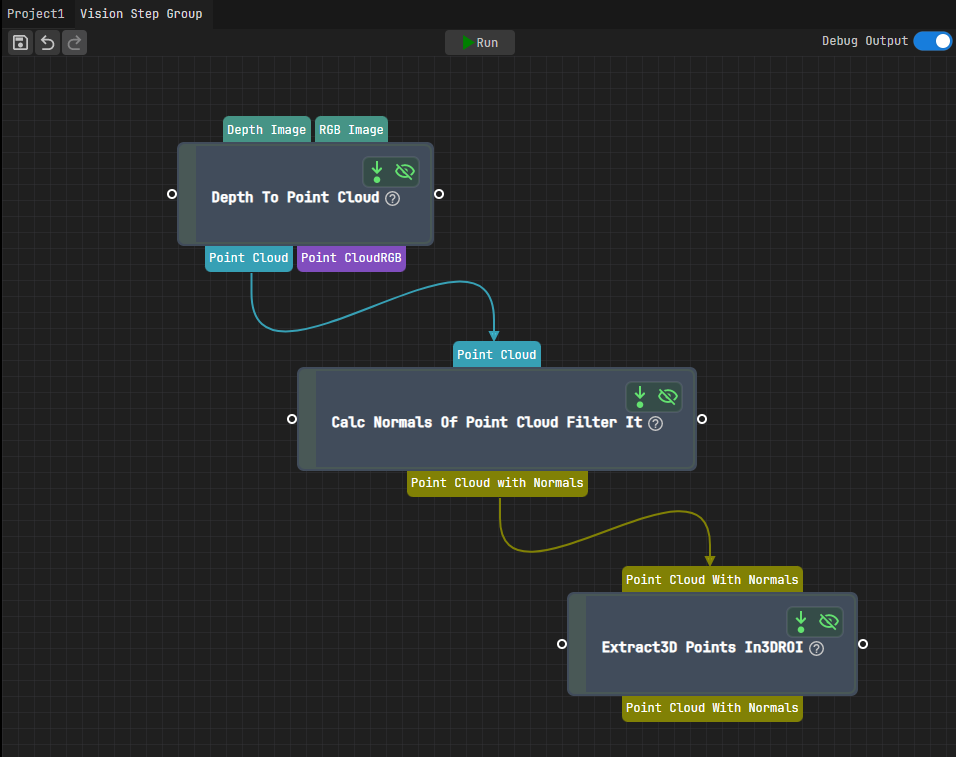
Add and connect the required steps to build the workflow.
Note
Taking point cloud extraction as an example, the connections are shown below:
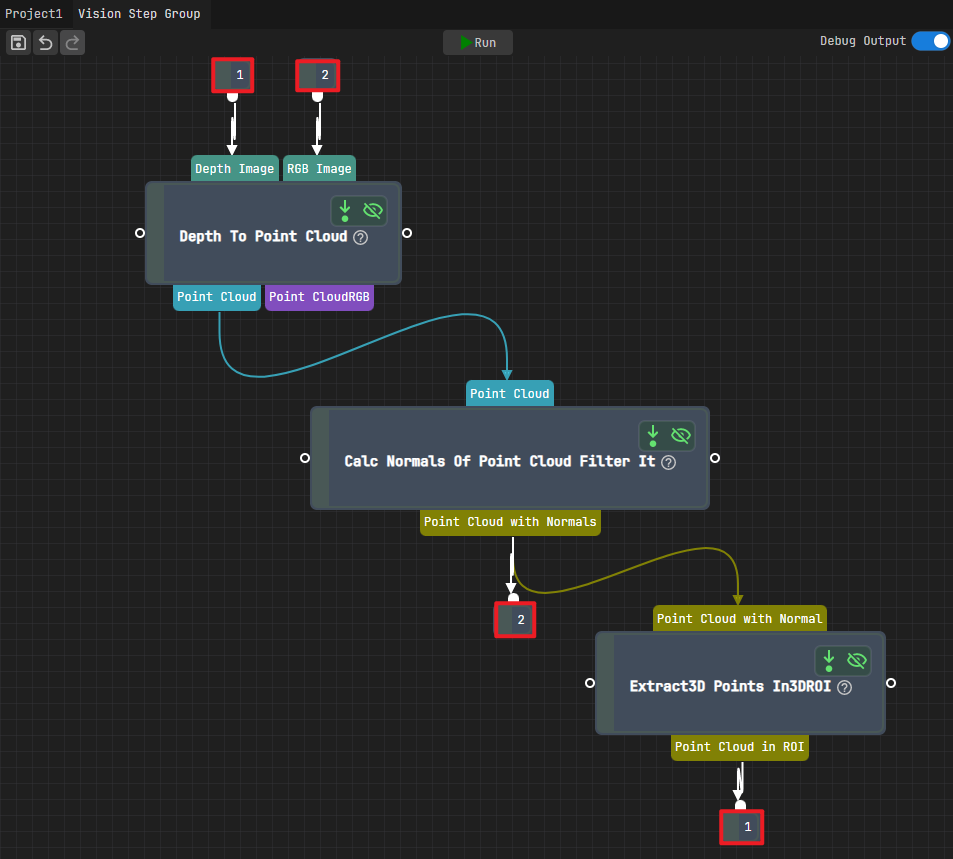
Double-click the input or output ports of the steps to define the step group’s input and output ports. The system automatically numbers the ports in the order you set them.
Note
The figure below shows an example:
Double-click the Depth Image and RGB Image ports of the Depth to Point Cloud step in sequence to set them as input port 1 and input port 2 of the step group.
Double-click the Point Cloud in ROI port of the Extract 3D Points In 3D ROI step and the Point Cloud with Normals port of the Calculate Normals of Point Cloud and Filter It step in sequence to set them as output port 1 and output port 2 of the step group.
Tip
To delete an input or output port of the step group, select the port number and press the Delete key on the keyboard.
Click the name of any upper-level path to exit the current workspace and return to the workspace of the corresponding level.
Note
The navigation path displays the current editing location. For example, for three-level nesting, the path is displayed as:
Project Name>VisionStepGroup>VisionStepGroup (2)>VisionStepGroup (3).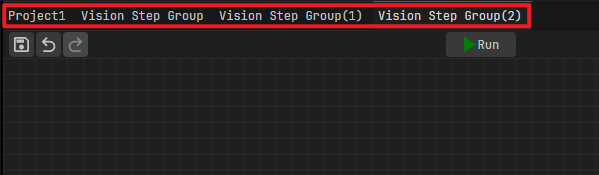
After you exit the internal programming workspace of the Vision Step Group step, it displays the defined input/output ports. You can then use this step group as a step and connect it with other steps.